150+ minds across 4 countries. Join a culture of innovation, ownership & growth.
Rewire for AI
From machine learning to deep learning, from classification tools to overall process automation – our AI engineers will help you retool your existing system or enhance your company results.
Ship faster, scale smarter, built for product companies and SaaS teams
Our Latest Work
We strive hard to deliver result-driven digital solutions across the globe. Check out our case studies to get a glimpse of how we ideate, innovate, and create unconventional digital solutions according to the requirements of our clients.
Discover diverse and passionate insights from our tech enthusiasts. We collaborate across various sectors to streamline operations and drive innovation. Explore our rapidly growing collection of articles to see why we’re at the forefront of IT solutions.
The decision to move from Magento to Shopify is one of the most significant replatforming choices an ecommerce business can make. Magento is powerful, but its power comes with...
Accuracy gap is real: Traditional CPG forecasting carries a 25-40% MAPE error rate. AI-powered models bring that down to 8-15%, according to McKinsey research....
Real stories from global leaders who trusted us with their ideas.
Partnering with APPWRK helped us build a compliant and scalable healthcare platform, accelerating our time-to-market by 35%. Their team consistently delivered outstanding work.
Beesers
Digital Healthcare Client
Collaborating with APPWRK, Sportskeeda modernized its platform into a real-time sports engagement ecosystem, enabling seamless content delivery, scalable fan interactions, and high-velocity performance.
Sportskeeda
Sports & Entertainment Partner
Working with APPWRK was effortless. They captured our vision, maintained full compliance, and delivered a digital experience that built trust and elevated how customers interact with our fintech brand.
PayPenny
Fintech Partner
Working with APPWRK gave us confidence in adopting AI responsibly. Their team built a safe, intelligent bot that transformed how we engage with leads and helped us achieve measurable revenue growth.
IFB
AI Transformation Partner
Leveraging APPWRK’s digital expertise, Nemesis launched a scalable, compliant, and safe super app that connects content delivery, real-time communication, and logistics management within a single platform.
Nemesis
Super App Partner
Your Website, Our Expertise, Mobile Transformation
Turn your website into a high-performing mobile app with Appwrk as your trusted technology partner.
Today, most digital interactions happen on mobile, and users expect fast, responsive, app-like experiences, not just websites. This is why founders increasingly look for ways to convert a website into an app, create an app quickly, or turn a website into a mobile app for higher engagement. Businesses now convert web apps and websites to mobile apps to tap into better accessibility, retention, and brand presence.
This guide gives founders a simple, strategic understanding of the website-to-app process, the tools involved, and the easiest paths to build mobile apps without overwhelming technical depth. If you want to learn how to convert your website into an app while keeping 1:1 site parity, fast performance, and a smooth mobile web experience, this framework breaks it down clearly.
What “Converting a Website to an App” Really Means
When you convert a website into an app, you’re not rebuilding everything. You’re creating a mobile app shell that loads your website content but adds native mobile-layer features. This is how most tools to convert your website into a mobile app work.
Your app can include:
push notifications
offline access
deep links and app links
device features (GPS, microphone, sensors)
native navigation
light mode support
app icon, splash screen, and content scaling via CSS media query and meta tag adjustments
This approach lets you build & maintain web + mobile assets together, so your web team doesn’t duplicate work. All updates remain always up to date, ensuring a feature-rich web + native app experience.
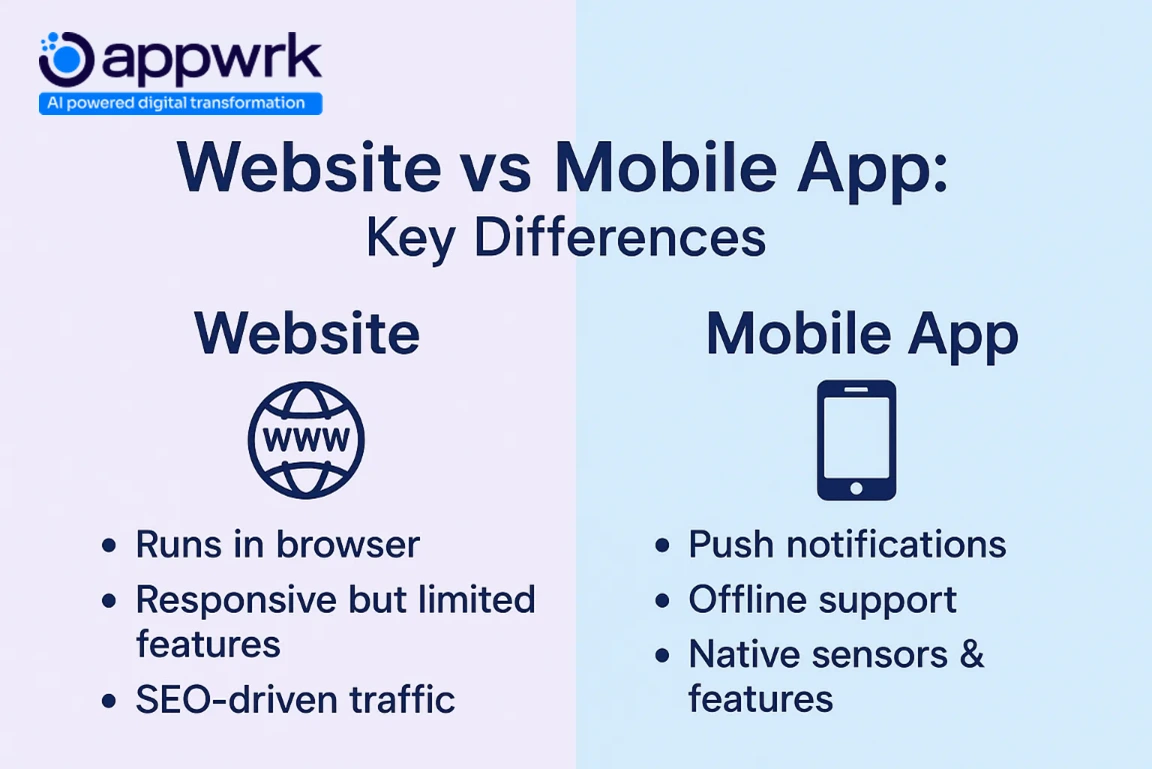
Website vs Mobile App: The Simple Difference
Websites run in a browser, while mobile apps deliver faster performance, improved user experience, and advanced functionality built around device hardware. Apps offer smart, practical, affordable solutions for founders who want to elevate experience beyond the browser.
Mobile apps also support:
technical aspects of creating and publishing your app
deep integration with analytics software
zooming, display scaling, and multi-language & multi-currency support
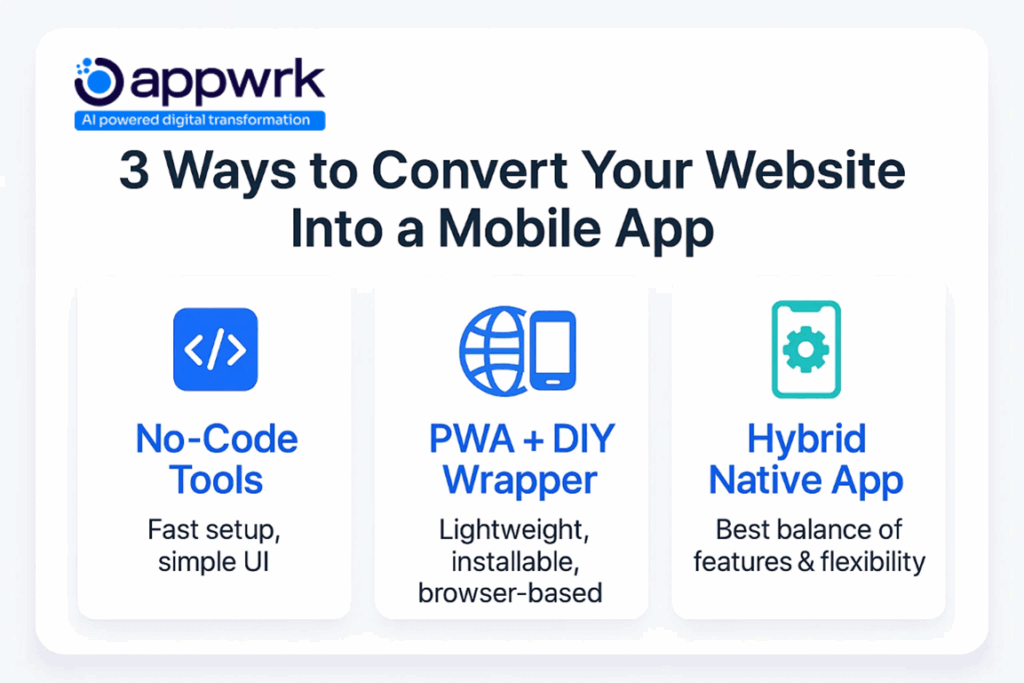
The Three Easiest Ways to Convert a Website Into an App
1. No-Code Website-to-App Converters
Tools like AppMySite, MobiLoud, or App Studio allow non-technical founders to convert a website to a mobile app in minutes. Best for teams without engineering bandwidth.
Pros
fastest to launch
DIY custom development is not needed
supports push notifications, menus, and basic device features
free trial available on many platforms
white label reseller program available on some tools
Cons
limited customization
may not fully support complex features
2. Progressive Web Apps (PWA)
A PWA improves the mobile web experience using:
offline mode
add-to-home-screen installation
fast loading
responsive content scaling
PWAs avoid app review cycles and don’t require App Store or Play Store listing. But iOS limits some features like advanced GPS microphone sensor use, so PWAs aren’t always a full substitute for native apps.
3. Hybrid App Development (Best Balance)
Hybrid frameworks like Ionic and React Native help founders create an app from any website while still supporting native languages (Swift, Kotlin, Objective-C) when needed.
Hybrid apps:
keep 1:1 site parity
support device features
integrate analytics software
offer accessible solutions for all business sizes
reduce long-term maintenance
allow deeper editing so you can edit and add new pages anytime
This method is ideal for startups, SMEs, SaaS founders, agencies building bulk projects, and companies needing feature-rich web + native app outputs.
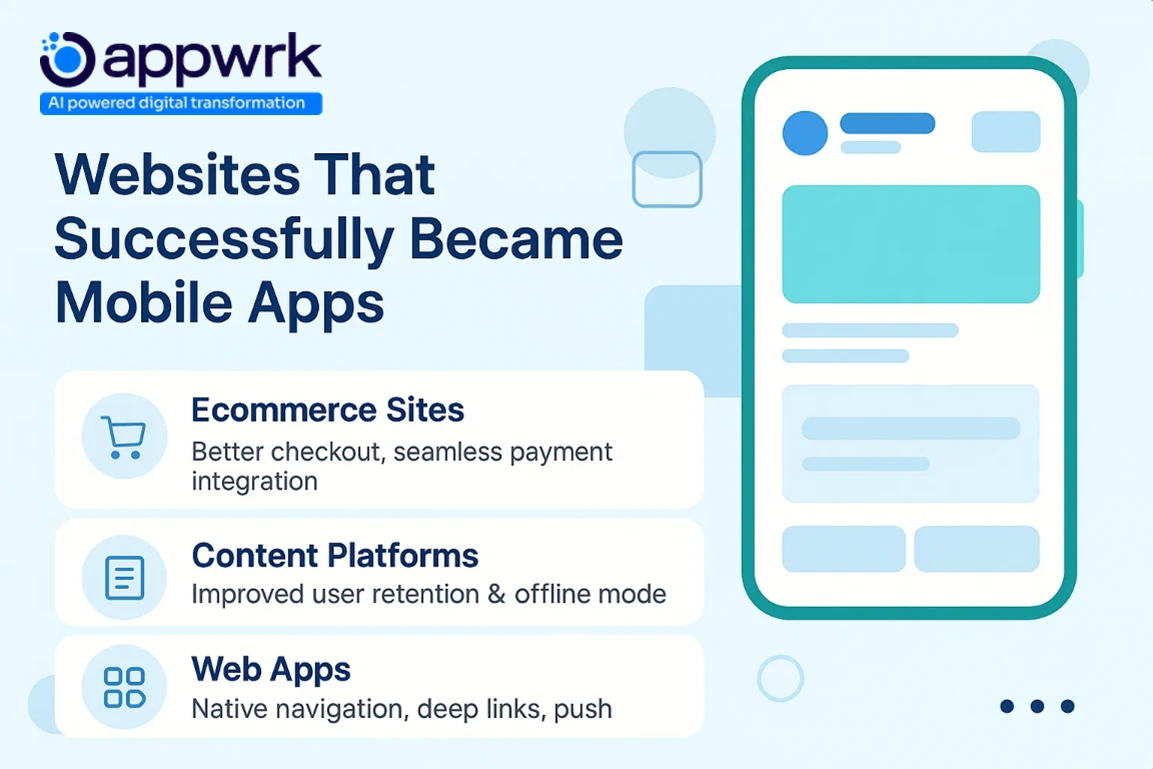
Websites That Successfully Converted to Apps
Many modern businesses now create an app by converting a website into an app to expand reach, improve engagement, or deliver better mobile apps to their audience. These real-world examples show how companies convert web apps and websites to mobile apps while maintaining 1:1 site parity, consistent UI, and fast performance.
Common Success Stories
E-commerce platforms (Shopify, WooCommerce, Magento) use tools to convert your website into a mobile app, enabling faster performance, mobile payments, and stronger brand loyalty.
Learning platforms converted their website to mobile app versions with offline reading, custom profiles, and improved user experience.
Blogs & content sitesgained higher retention thanks to app icons, push notifications, and frictionless access from home screens.
Web apps became hybrid mobile apps using React Native, Capacitor, or App Studio, integrating device features like GPS, microphone sensors, camera, and offline caching.
All these transformations use smart, practical, affordable solutions, including no-code wrappers, PWAs, hybrid frameworks, and professional agencies offering bulk discounts and white label reseller programs for scale.
When You Should Not Convert a Website to an App
You should avoid conversion if:
Website traffic is low
The mobile web experience is poor and not responsive.
Users visit only occasionally.
Push notifications offer no value.
Backend is unstable
You need advanced functionality like high-end 3D rendering or complex offline workflows.
An app makes sense only when users return frequently and require speed, convenience, and native UI interactions.
Benefits: How an App Improves Your Business
Instead of asking “How do I build an app?” start with the right question: “Why should I convert my website into an app?”
Here are the strongest benefits:
Faster performance with app caching and native UI
Push notifications for direct re-engagement
Better branding & trust via App Store presence and app review credibility
Advanced functionality like camera, QR scanning, GPS, and payments
Agencies for businesses needing a faster turnaround
App Studio tools for simple conversions
Professional teams to build & maintain web + mobile assets with predictable maintenance
This ensures consistent performance, cross-device scaling, and seamless integration with modern WebView standards.
A Simple 6-Step Process to Convert a Website to an App
You don’t need technical knowledge, just follow this website to the mobile app workflow that founders use to create an app quickly and affordably.
Step 1 — Confirm Your Website Is Mobile-Friendly
Since the app will load your website using WebView technology inside a controlled web browser, it must display cleanly on small screens. Check responsiveness, zooming, and content scaling, and test your mobile web experience on multiple devices.
Step 2 — Choose Your Conversion Approach
Pick the path that fits your needs:
No-code tools → tools to convert your website into a mobile app
Provide long-term support, analytics software setup, and enhancements
Whether you want no-code speed, hybrid flexibility, or fully custom builds, we offer accessible solutions with predictable cost, reliable delivery, and global scalability.
Founder’s Guide: Making the Smartest Choice for Your Business
A short, helpful decision tool:
Choose a converter if your app is content-focused and simple
9. How strict are Apple and Google about approval?
Apple is stricter, especially with wrapper apps. Apps must provide value.
10. Is it better to build from scratch?
Only if your app requires advanced functionality or heavy performance tuning.
Conclusion
Converting a website into an app is no longer complex or expensive. Today’s tools, hybrid frameworks, and website-to-app platforms make it possible for any founder, even without technical experience, to build an engaging mobile app that improves retention, brand trust, and growth.
If your website is central to your business, converting your website to an app is one of the simplest, highest-ROI decisions you can make in 2025.
Gourav Khanna is the Co-founder and CEO of APPWRK, leading the company’s vision to deliver AI-first, scalable digital solutions for enterprises and high-growth startups. With over 16 years of leadership in technology, he is known for driving digital transformation strategies that connect business ambition with outcome-focused execution across healthcare, retail, logistics, and enterprise operations.
Recognized as a strategic industry voice, Gourav brings deep expertise in product strategy, AI adoption, and platform engineering. Through his insights, he helps decision-makers prioritize market traction, operational efficiency, and long-term ROI while building resilient, user-centric digital systems.
Subscribe to APPWRK Blogs, We'll Do the Rest!
Get Blogs on UI/UX, Mobile Apps, Online Marketing, and Web development technology.
Unlock worthy and priceless suggestions from the masters of mobile and web app development